AI education for children 8+

Artificial intelligence for children .

We teach children from the age of 8 how artificial intelligence works, and how to use it wisely, safely and creatively — through interactive lessons, quizzes and conversations with Sibot.

For parents and teachers: a clear view of children's progress, their conversations with Sibot, and their activity on the platform.

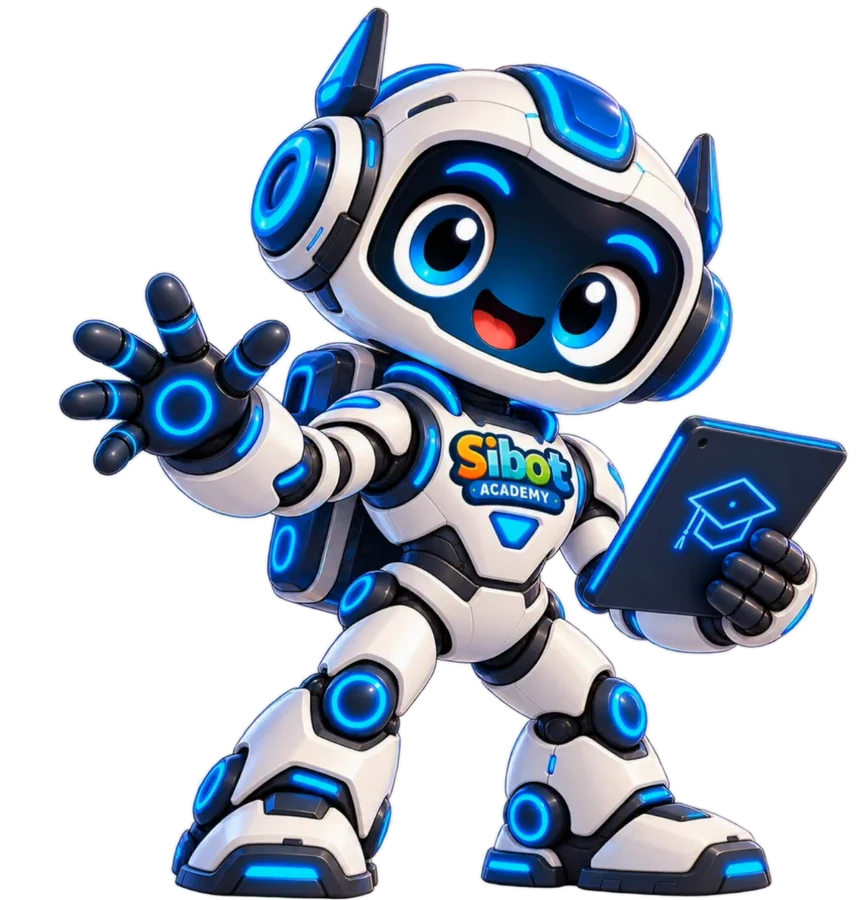
Hi! I'm Sibot. Together we'll find out what artificial intelligence really is! 🚀

Sibot Academy in short

Artificial intelligence for your child.
Peace of mind for you.

Your child learns about AI

Short, interactive lessons show what AI is, how it works, when it gets things wrong and how to use it wisely.

You see the progress

Check completed lessons, activity and next steps without guessing what your child learned today.

Conversations stay under control

Your child can use Sibot Bot within a set range of topics, and you have access to the conversation history and the questions it turned down.

Safe AI learning

This is not an open chatbot.
It is a controlled place to learn.

No open chat

Lessons are built from quizzes, drag-and-drop and prompts assembled from blocks. Sibot Bot answers only within a set range of topics.

You see the conversations

If your child talks to Sibot, the whole conversation is in the parent dashboard — including the questions the bot turned down.

Content is filtered

Every lesson is written and reviewed by a person, and the teaching material is prepared with children in mind.

The parent opens the account

Your child does not have to give an email address or a phone number to use the platform.

No adverts

There is no ad network in the app and no advertising aimed at your child.

Runs in the browser

Phone, tablet or computer. There is nothing to install.

Parent dashboard

You see what your child is learning about AI

Check progress, activity and the lessons still to come. And if your child talks to Sibot, the whole conversation is in your dashboard.

See the parent dashboard
World 1 — Meet AI
5 of 5 lessons · completed
World 2 — How AI Sees and Hears
3 of 5 lessons · last played yesterday
Explorer Certificate
unlocks after World 4
Conversation with Sibot
5 messages · today 18:42
Flagged words and phrases
needs a parent's attention

The parent dashboard, with your child's learning as it happens

Progress as it happens

You see which lesson your child is on right now, and how the earlier worlds went — with a score against each one. Without asking, you know what is going smoothly and what is worth revisiting.

History of conversations with Sibot

Every conversation lands on a list with its date and message count, and you can open a thread and read it in full — including the questions the bot turned down.

Filtering out unwanted words

You build your own list of words Sibot will not answer to — from ready-made suggestions or by typing your own. A question containing one of them gets no answer, and you see it flagged in the dashboard.

Curriculum

Fifteen minutes of learning that does not feel like a lesson

Every world takes your child from meeting an idea to using it on their own.

A short lesson

A quiz, a story, dragging pieces into place and building prompts from blocks.

A project

Your child puts the new knowledge to work in a practical, creative task.

Exam and certificate

A short exam checks what stuck, and your child receives a certificate at the end of the stage.

From the basics to using AI with confidence

Stage 1 — I understand AI

free
  • World 1 — Meet AIWhat is AI and where do we find it?
  • World 2 — How AI Sees and HearsAI recognises images, patterns and sounds.
  • World 3 — Talking to AIWrite better instructions — prompt like a pro!
  • World 4 — What AI Can CreateText, ideas and creative collaboration with AI.

Stage 2 — I use AI

  • World 5 — SafetyPrivacy, AI mistakes and staying safe online.
  • World 6 — Use AI WiselyWhen AI helps and when to think for yourself.
  • World 7 — When AI Causes HarmScams, manipulation and deepfakes — how AI gets used against you.
  • World 8 — Can AI Be a Friend?Healthy boundaries with chatbots — AI is not a substitute for real friendship.

Stage 3 — I create with AI

  • World 9 — AI Creates StoriesCo-write stories with AI — from idea to finished tale.
  • World 10 — AI Creates ImagesGenerative AI — how AI draws pictures from words alone.
  • World 11 — AI Creates MusicHow AI composes tracks and writes song lyrics.
  • World 12 — AI Creates VideosHow AI-generated films and clips are made.

Stage 4 — AI technology and creators

  • World 13 — AI Creates ProgramsHow AI helps programmers and what code is.
  • World 14 — AI and RobotsHow AI drives robots — from a factory arm to a Mars rover.
  • World 15 — AI in Games and EntertainmentHow AI creates characters, worlds and music in games.
  • World 16 — Become an AI CreatorProjects, careers and the future of AI — you as a creator.

Stage 5 — I think critically about AI

  • World 17 — Critical thinking about AIChecking sources, bias in images and asking for evidence.
  • World 18 — How ChatGPT ThinksTokens, weights and how large language models work.
  • World 19 — AI for EveryoneAccessibility, translation and AI for people with disabilities.
  • World 20 — AI EthicsFairness, rights and responsibility in the world of AI.

Stage 6 — AI changes the world

  • World 21 — Staying safe on social mediaPhotos, strangers and scams — staying safe online.
  • World 22 — AI and ClimateHow AI helps protect the planet and tackle the climate crisis.
  • World 23 — AI in Medicine and ScienceHow AI helps scientists heal people and look after the planet.
  • World 24 — Me and AI TomorrowJobs, projects and you as an AI creator.
Skills for what comes next

Your child does not just learn about AI.
They learn to use it.

Critical thinking

Spots when AI gets it wrong

Learns to check answers instead of taking them on trust.

Prompts

Writes a good prompt

Sees how changing a single word changes the AI's answer.

Privacy

Knows what not to tell AI

Recognises the details that should never be typed into the internet.

AI detective

Recognises content made by AI

Looks for the traces that give a model away.

Understanding AI

Understands where AI gets its knowledge

Trains a simple AI themselves and sees that a model learns from examples.

Independence

Knows when to ask a person instead

Recognises the situations where AI should not stand in for their own thinking.

Price

Start without paying anything

Stage 1 stays free. See first whether Sibot Academy suits your child.

Stage 1 — Worlds 1–4

0 zł

No payment card.

  • 20 lessons, projects and exams
  • World 1 without opening an account
  • Parent dashboard and the Explorer Certificate
Play the first lesson
Flexible

Full access — monthly

39 zł/month

All 16 worlds. Cancel whenever you like.

  • Stages 2, 3 and 4 — Worlds 5–16
  • An exam and a certificate after every stage
  • Everything in Stage 1
Best value

Full access — yearly

299 zł/year

The whole curriculum for one yearly payment.

  • Stages 2, 3 and 4 — Worlds 5–16
  • An exam and a certificate after every stage
  • The price held for the whole year
Questions

Before you begin

Does my child talk to an open ChatGPT?

No. Lessons are quizzes, drag-and-drop and prompts built from blocks. Sibot Bot runs separately and answers only within a set range of topics. You can see every message in the parent dashboard.

What do I see in the parent dashboard?

Your child's progress, completed lessons, activity and the history of conversations with Sibot. You also see the questions the bot turned down and alerts about potentially unwanted words or phrases.

Can my child write in their own words?

Yes, in controlled places — Sibot Bot and selected projects among them. There is no free-ranging conversation with AI on any topic.

What exactly is free?

The whole of Stage 1: Worlds 1–4, twenty lessons with their projects and exams. World 1 opens without setting up an account.

What age is the course for?

For children aged 8 and over. Younger ones can work through the first worlds alongside a parent.

Does it work on a phone and a tablet?

Yes. Lessons are designed for phones and tablets, and they work on a computer too. There is nothing to install.
Play the first lesson